"How to Build Your First Website: A Step-by-Step"
Building your first website is an exciting project that can help you establish an online presence, showcase your skills, or share your passions with the world.

Guide will take you through one step at a time :-
1.Define Your Website's Purpose:
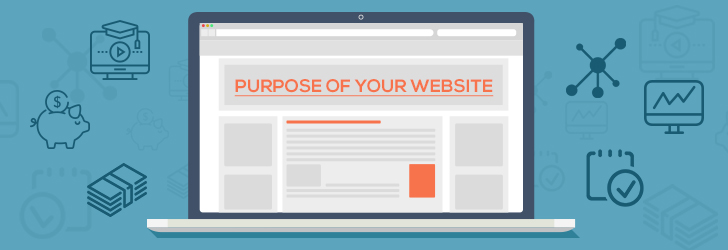
Before diving in, determine the goal of your website.
- Personal Blog: Share your thoughts or hobbies.
- Portfolio: To present work before potential clients or employers.
- Business Website: Sell your products and services.
- E-commerce: Sell goods online.
2.Choose a Domain Name:
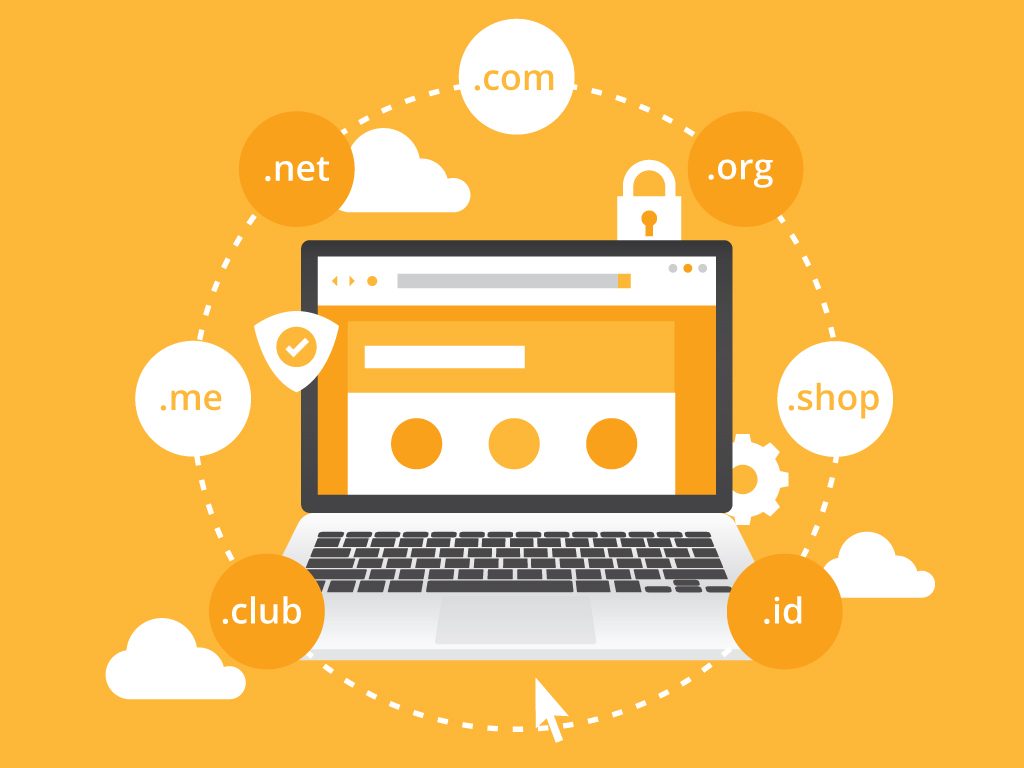
Domain name is your website's address, for example, www.example.com.
- Keep it short, memorable, and relevant.
- You can check availability with tools like Namecheap or GoDaddy.
3.Select a Web Hosting Provider:

- Shared Hosting: Great for a start (e.g., Bluehost, HostGator).
Managed Hosting: - Managed Hosting: Provides extra support (e.g., SiteGround).
- Free Hosting: For simpler projects (e.g., GitHub Pages, Netlify).
4.Plan Your Website Structure:

Draw a sitemap to organize your pages.
- Your homepage: Introduces your website.
- About page: Tells your story or mission.
- Contact page: Gives ways to reach you.
- Other pages: (portfolio, services, blog, etc.) as needed.
5.Design Your Website:

You have two primary options:
- Website Builders: No coding required
- Website Builders: No coding required. (Wix, Squarespace, etc.)
- Coding Your Website: Learn HTML, CSS, and JavaScript for full customization.
- Code Editor: Visual Studio Code or Sublime Text
- Frameworks/Libraries: Bootstrap or Tailwind CSS for styling.
6.Add Content:

The content presented is the first step that will attract visitors.
- Come up with clear, concise relevant text.
- High-quality pictures from Unsplash or Pexels.
- Optimize for Search Engine Optimization by including keywords in titles and Meta descriptions.
7.Make It Responsive:

Your website should render well on all devices: computers, tablets, and smart phones.
- Use a responsive framework such as Bootstrap.
- Test using resources such as Google's Mobile-Friendly Test.
8.Test Your Website:

It is essential to test your site before launching.
- Test that all links and forms.
- Ensure images load
- Test on multiple browsers: Chrome, Firefox, Safari.
9.Launch Your Website:
Once everything is ready:
- Link your domain to your hosting provider.
- Upload your website files via FTP client or your host's dashboard.
10.Keep Your Website Alive
A website is a living creature that needs constant updates.
- Change content to keep fresh.
- Monitor performance with tools like Google Analytics.
- Check for security breaches.


Comments
Post a Comment